Picture to 3D Model Converter
Easily convert any 2D picture into a detailed 3D model. Choose face count topology from 5K to 40K faces with instant OBJ, STL & GLB downloads.
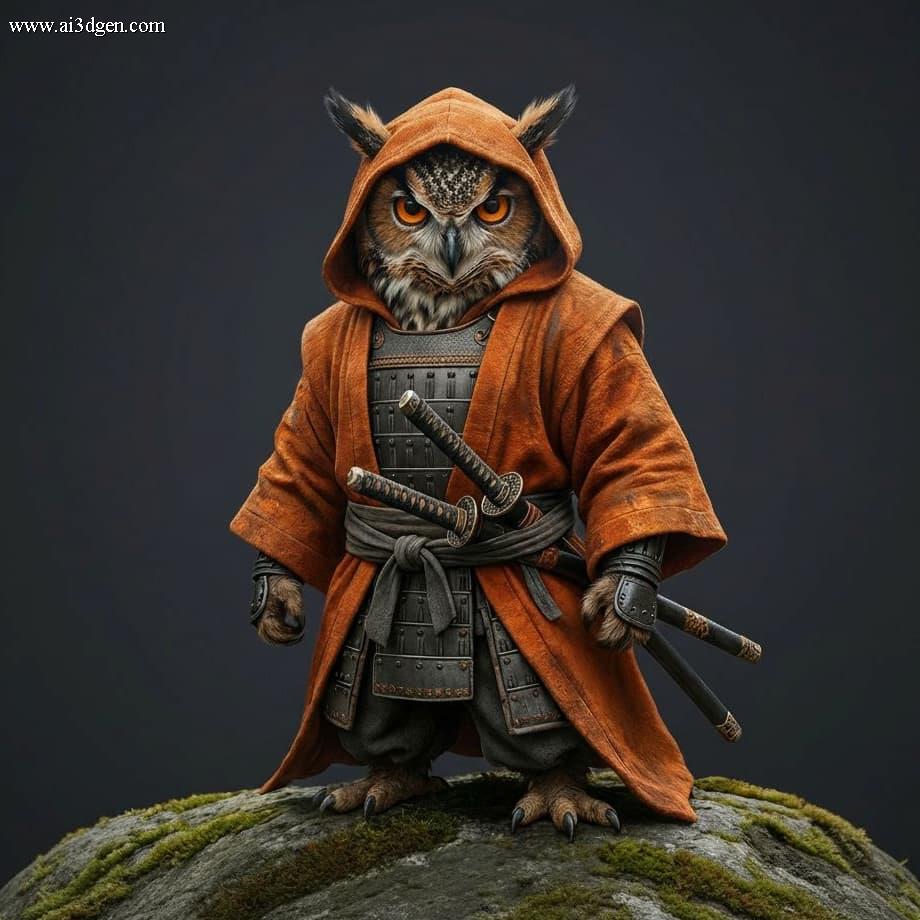
Interactive 3D Preview
Your generated model will render here in 360°
What is Picture to 3D Model Converter?
Picture to 3D Model Converter is an AI-driven online conversion technology that automatically transforms flat 2D images, photos, sketches, and logos into fully-realized 3D mesh models in real time. Powered by deep neural depth estimation and volumetric surface reconstruction algorithms, Image3DAI evaluates pixel gradients, normal contours, and lighting cues to synthesize production-ready 3D assets.
Instead of spending hours manually extruding, retopologizing, and unwrapping UV textures in Blender or ZBrush, picture to 3d model lets game developers, 3D printing makers, product designers, and digital artists generate clean OBJ, STL, and GLB files directly inside their browser in under 50 seconds.
Why Use Picture to 3D Model Converter?
Built from the ground up for maximum speed, zero friction, and high-quality 3D mesh generation.
Zero Friction & Instant Speed
No software downloads, no account binding required to try. Upload your image and receive clean 3D geometry in about 50 seconds.
No 3D Skills Needed
Eliminate the steep learning curve of complex CAD tools. Image3DAI automates depth mapping, polygon meshing, and UV texture unwrapping.
100% Private & Watertight
Your source images and 3D exports are auto-purged from servers. Generated STL models are 100% closed, manifold, and slicer-ready for 3D printing.
Key Features of Picture to 3D Model Converter
Advanced features designed to give you complete control over your 3D assets.
Polygon Topology Control
Select face count resolution from 5K (low-poly mobile gaming) up to 40K (high-detail 3D printing and rendering).
Full PBR Texture Maps
Generates high-resolution albedo diffuse maps, roughness maps, and normal maps for realistic material rendering.
Multi-Format Export
Export in universally compatible OBJ, GLB, and STL formats for Blender, Unity, Unreal Engine, and 3D slicers.
Smart Alpha Extrusion
Automatically recognizes transparent PNG cutouts and logo edges to extrude clean 3D emblems and badges.
Core Benefits & Advantages
Transforming how 3D content is created for games, printing, and design.
Massive Time Savings
Reduce 3D asset creation time from 4–12 hours down to 50 seconds per model.
Substantial Cost Reduction
Eliminate expensive $50–$300 freelance sculpting fees with our generous free tier and low-cost plans.
Guaranteed Slicer Compatibility
Exported STL models are guaranteed closed and watertight—ready to print in Bambu Studio, Cura, or PrusaSlicer.
Full Commercial Usage Rights
All 3D assets generated on Pro and Ultra plans come with 100% commercial and resale rights.
How It Works in 3 Simple Steps
Generate a production-ready 3D asset from any picture in 50 seconds.
Upload Picture
Drag & drop your JPG, PNG, or WEBP image file into the online converter above.
Select Polygon Mesh Resolution
Choose your desired face count density (from 5K low-poly to 40K high-detail mesh).
Export 3D Model File
Download your processed model in OBJ, GLB, or STL format ready for your workflow.
Created with Image3DAI
From single 2D photos to production-grade 3D assets for games, printing, and art. Move mouse to interactively inspect models in 3D.
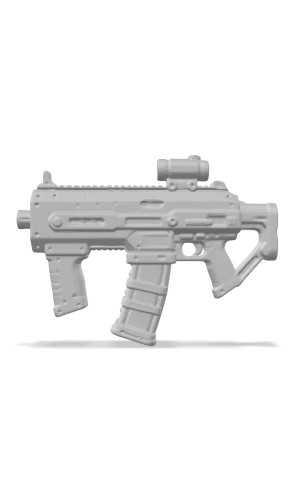
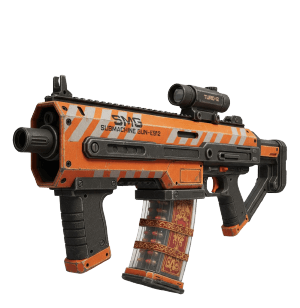
Free 3D Model Generator
Turn your ideas or pictures into 3D models for free with AI.
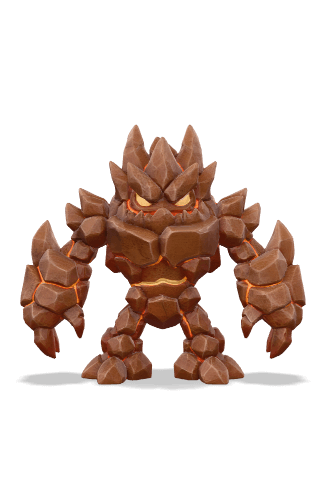
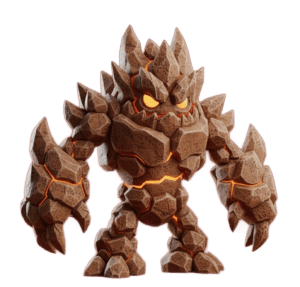
Drawing to 3D Model
Convert 2D art, or digital drawings into 3D assets.
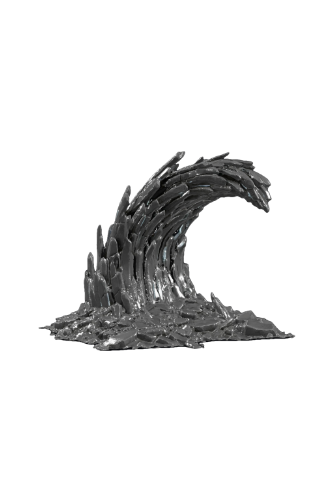
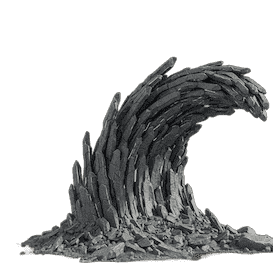
AI 3D Model Generator
Upload any image (JPG, PNG) to instantly generate a 3D model.
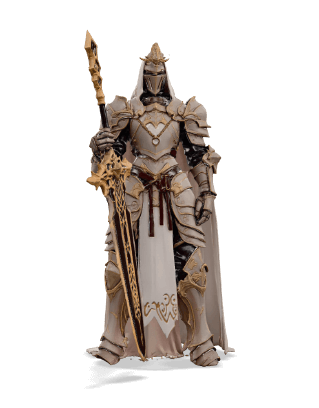
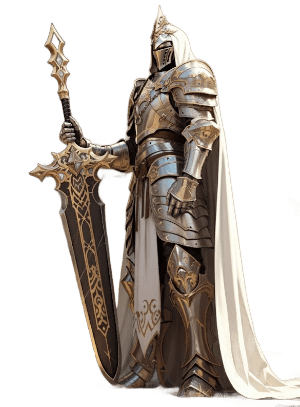
Pro Edition Generator
Unlock max detail, high-res textures & priority processing.
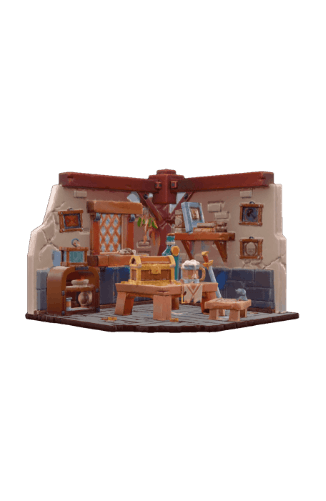
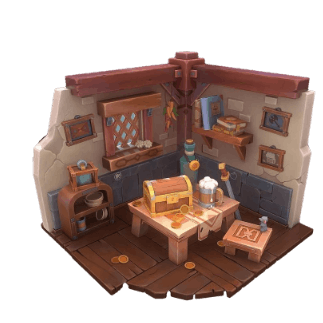
3D Education Scene
Create cartoon 3D scenes and learning assets for education.
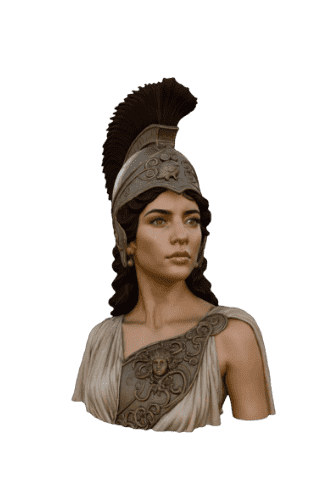
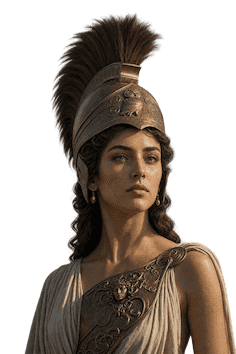
Portrait to 3D Model
Upload a portrait photo and generate a realistic 3D head model with AI.
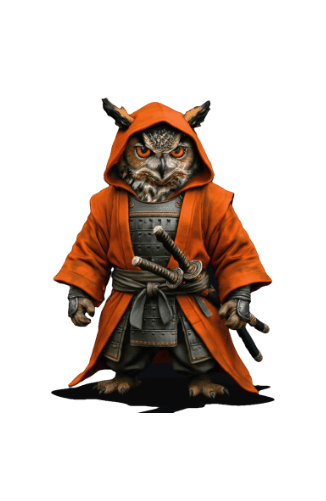
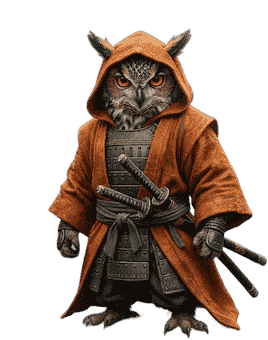
Game Character Asset
Design 3D characters and creatures as game-ready assets.
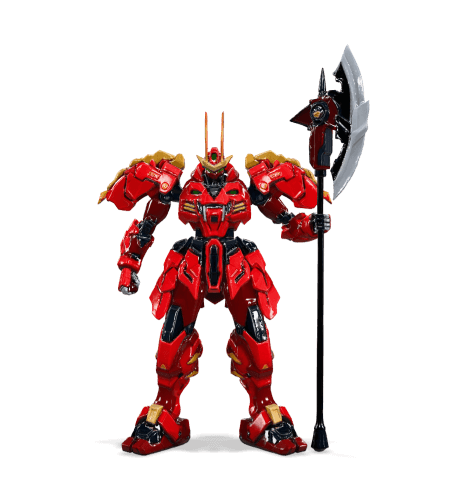
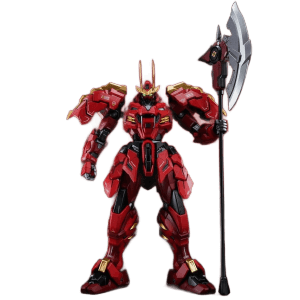
Ultra 3D Mecha
Built with Ultra Generator for max detail and production quality.
Popular Use Cases for picture to 3d model
Engineered for creators across multiple 3D design industries.
3D Printing & Rapid Prototyping
Export solid, closed STL meshes engineered specifically for Cura, PrusaSlicer, and Bambu Studio without non-manifold errors.
Game Development Assets
Generate low-poly props, environment models, and character concepts ready for direct import into Unity and Unreal Engine.
3D Logos & Branding
Convert 2D vector logos and transparent PNG emblems into extruded 3D signages and promotional motion graphics.
Comparative Analysis: AI 3D Generation vs Manual 3D Sculpting
See how AI generation compares to traditional manual CAD and sculpting tools.
| Feature Metric | Image3DAI AI Generator | Manual Blender/ZBrush |
|---|---|---|
| Average Generation Time | ~50 Seconds | 4 – 12 Hours |
| Technical Skill Barrier | Zero Skills (Browser Upload) | Advanced 3D Modeling Expertise |
| 3D Printing STL Manifold | 100% Watertight Slicer Ready | Requires Manual Mesh Repair |
| Cost per 3D Asset | $0.00 (Free Tier Available) | $50 – $300 Freelancer Fees |
Pricing Policy & Credit Breakdown
Transparent pricing with no hidden charges. Start free and scale as you grow.
Lite Free
Ideal for trying out AI 3D model generation with zero risk.
- Free 10 Credits
- Lite AI Engine
- Up to 20K face count
- OBJ & GLB export
Pro Designer
For 3D printing makers, game devs, and professional designers.
- 1,000 Credits / month
- Pro PBR Engine & textures
- STL 3D Print Export
- Commercial Usage Rights
Ultra Studio
Maximum resolution and high-volume asset generation.
- 3,500 Credits / month
- Ultra High-Fidelity Engine
- Fast-lane priority server
- Dedicated support
Frequently Asked Questions
Everything you need to know about picture to 3d model.
How do I convert a picture to a 3D model with AI?
Drag & drop your picture file into our online converter above, select your preferred mesh face count (5K to 40K faces), and click Generate. The AI reconstructs volumetric 3D geometry in 50 seconds.
What picture formats yield the best 3D results?
High-contrast JPG, PNG, or WEBP pictures with clear subject lighting produce the highest detail 3D meshes. Transparent PNGs work exceptionally well for objects and logos.
Can I export the converted picture into Blender or ZBrush?
Yes! Export in Wavefront OBJ format to retain diffuse texture maps and vertex normals for editing in Blender, Maya, ZBrush, or Cinema 4D.
Start Converting Images into 3D Models Free
No credit card or software installation required. Experience zero-friction 3D AI conversion today.
Try Free AI Generator Now